Names and amounts. That is all you enter.
Add the people and what each person paid. You are ready to split.
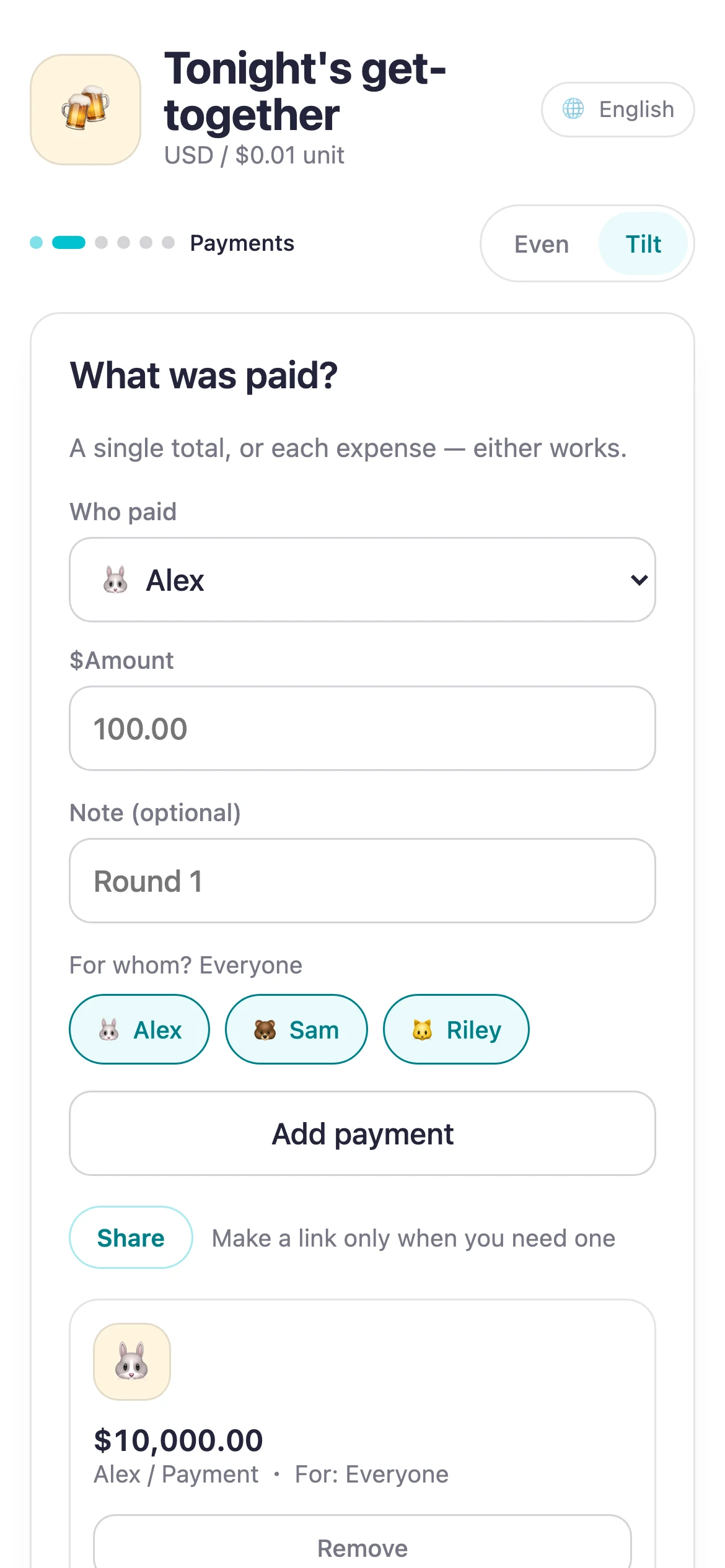
Use an even split or add a small fair tilt for drinks, celebrations, trips, and shared expenses.
Use it for freeNo sign-up. No install.
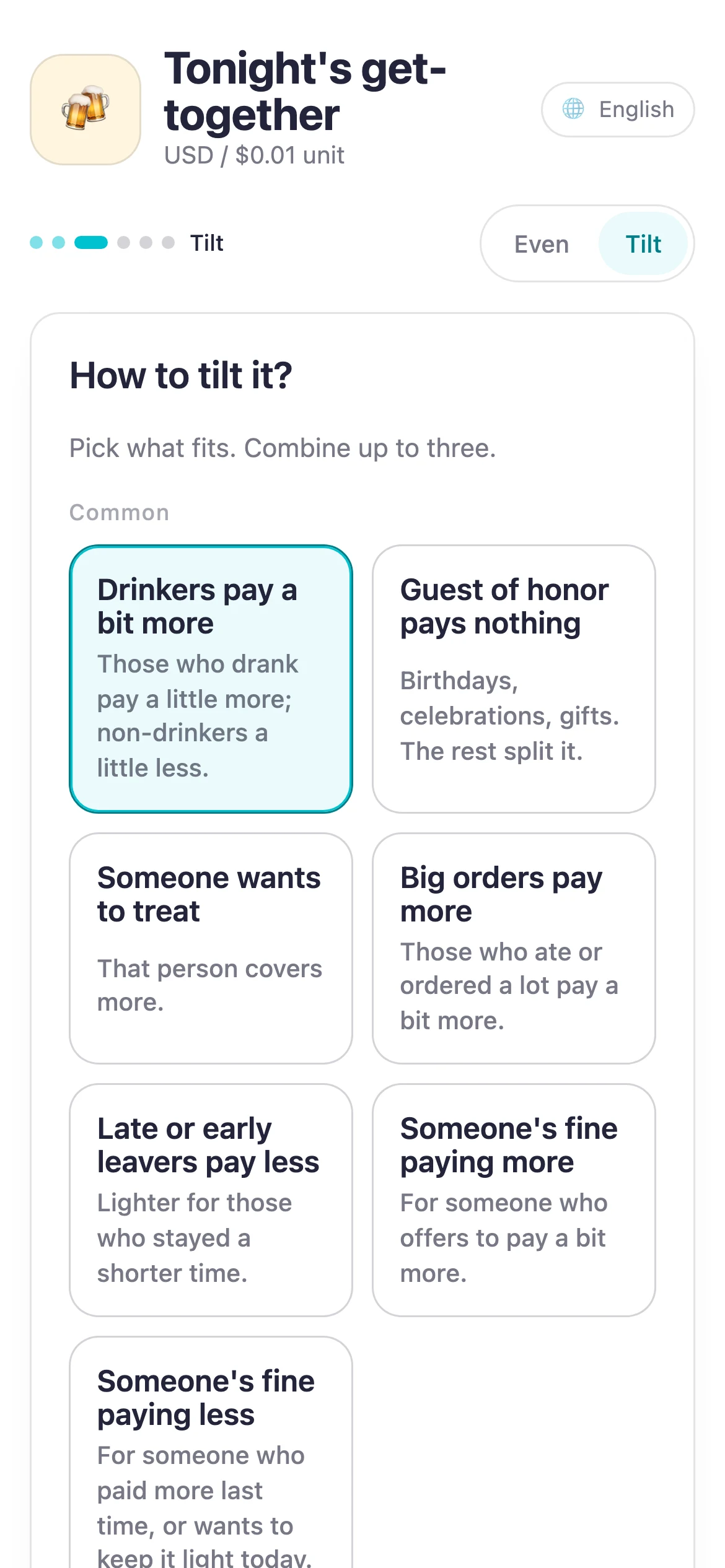

Someone drank less
Pick the reason, check the real amounts, and agree while everyone is still there.
A smoother way to collect money after drinks.The guest of honor should pay nothing
Pick the reason, check the real amounts, and agree while everyone is still there.
How to add a fair tilt to a split bill.A driver or organizer did extra work
Pick the reason, check the real amounts, and agree while everyone is still there.
Settle trip expenses with fewer transfers.You do not have to carry the awkwardness alone. Let Suguwari lead the money conversation: show the screen, ask “Does this look right?”, and settle it together.
Add the people and what each person paid. You are ready to split.
Choose a familiar situation, then agree while everyone can see the actual amounts.
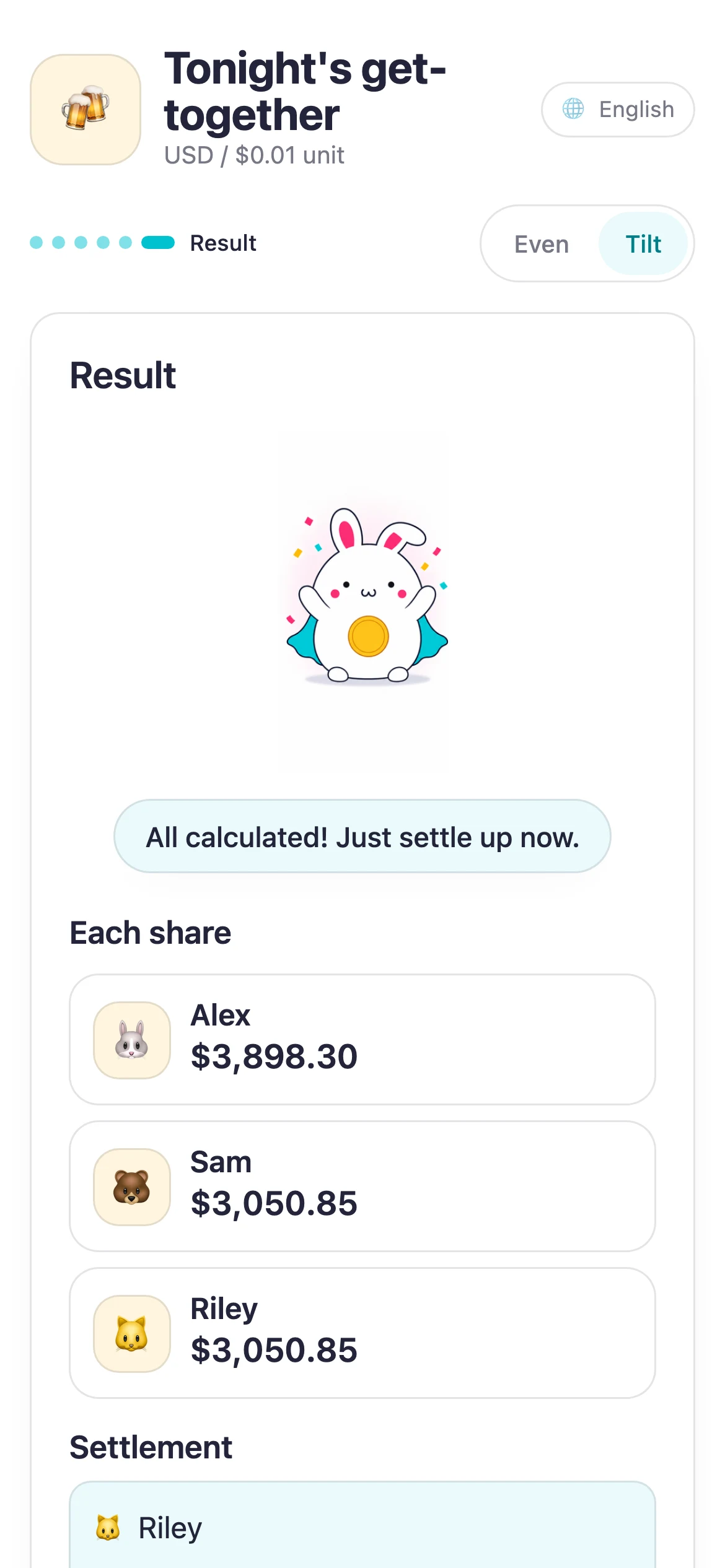
Suguwari reduces the number of transfers so you can finish before everyone leaves.
For big groups
The main Suguwari app is best for 2–20 people with names, all the way to settlement. For bigger gatherings, or when you don't want to type names, the group calculators need only the bill total and group headcounts, and the result can be shared as a link.
Frequently asked questions
Yes. It is free to use, and you do not need an account.
Yes. Choose a reason, such as drinking more or driving, and fine-tune while looking at the real amounts.
Regular input and calculation stay on your device. However, when a valid settlement result appears, Suguwari automatically tries once to create a short share link. If it succeeds, shared data including names and amounts may be stored for up to 90 days even before you copy or send the link.
No. Shared links expire automatically after 90 days, so a one-night settlement does not linger indefinitely.
Yes. Open it in a browser; there is nothing to install.
Bill splitting guide